

Download HMA Pro VPN – Secure, Fast & Anonymous Browsing
Overview of HMA Pro VPN
HMA Pro VPN, formerly known as HideMyAss!, is a privacy‑focused tool developed by Avast that promises to keep you hidden while you browse faster. The service encrypts every byte of your internet traffic with 256‑bit AES encryption, masking your IP address and location from prying eyes. With more than 1,000 servers spread across 290 locations in 190 countries, HMA Pro VPN offers a truly global footprint that lets you unblock geo‑restricted streaming platforms, access public Wi‑Fi safely, and bypass censorship wherever you are.
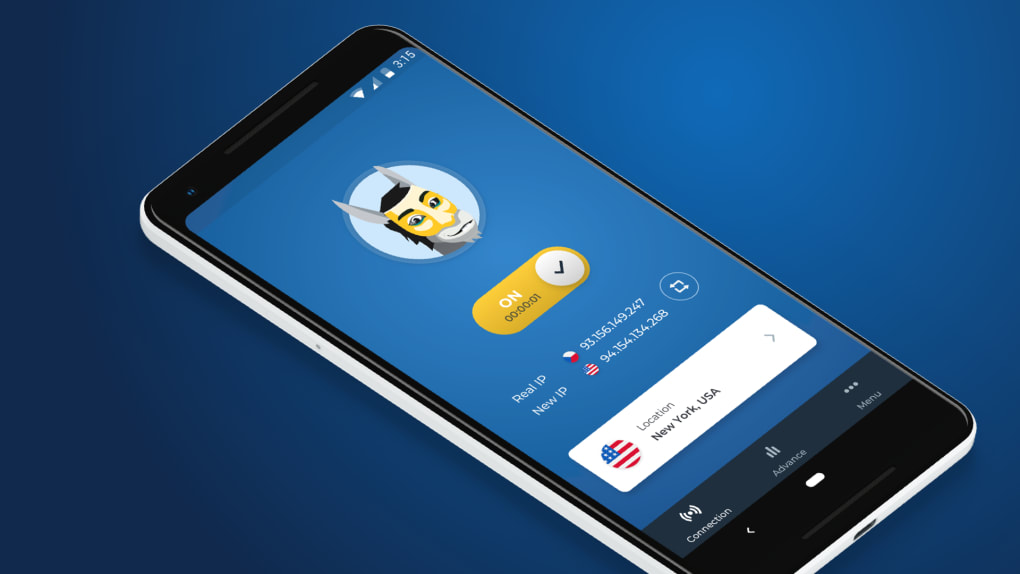
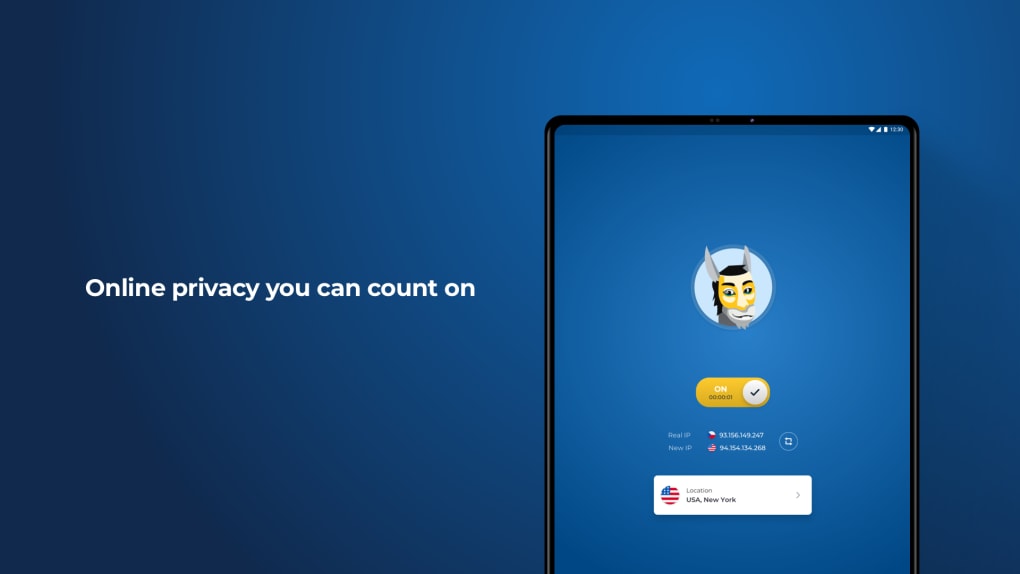
Its “Lightning Connect” feature automatically selects the fastest server, while specialized servers for streaming, P2P, and gaming provide optimized performance for those specific tasks. Whether you’re a VPN beginner or a seasoned privacy enthusiast, the clean, user‑friendly interface makes it easy to toggle protection on and off, choose a location, and test speeds—all from a single dashboard. HMA also provides a free trial, so you can evaluate the speed, stability, and unblocking capabilities before committing to a subscription.
In short, HMA Pro VPN blends broad server coverage, solid security protocols, and a straightforward UI to deliver a well‑rounded privacy solution for Windows, macOS, Android, iOS, smart TVs, and even routers.
Key Features & Security Highlights
- Over 1,000 servers in 290 locations across 190 countries.
- 20 Gbps high‑speed servers for minimal latency and fast streaming.
- Dedicated streaming and P2P servers to bypass throttling.
- 256‑bit AES full‑disk encryption with IKEv2/IPSec for Mac & iOS.
- Lightning Connect – automatic selection of the fastest server.
- Kill Switch that cuts internet traffic if the VPN drops.
- IP Refresh & IP Shuffle for dynamic IP rotation.
- Private DNS and protection against DNS, IP, and DDoS leaks.
- Cross‑platform support: Windows, macOS, Android, iOS, routers, smart TVs.
- Allows up to five simultaneous connections (ten with Family plan).
Security is at the core of HMA Pro VPN’s design. The service employs a strict no‑logs policy, retaining only connection timestamps and data volume for 35 days to improve server load balancing—none of which can be linked back to a specific user. Single‑shared IP addresses further dilute the traceability of any single connection, while the built‑in Kill Switch guarantees that your real IP never leaks if the tunnel collapses.
For users on macOS or iOS, the IKEv2/IPSec protocol provides rapid reconnection and superior tunnel stability, which is essential for mobile users who frequently switch networks. Advanced settings such as Auto‑Connection Rules and Trusted Networks let you define trusted Wi‑Fi zones where the VPN stays off, saving battery and bandwidth. Together, these features create a layered defense that makes it extremely difficult for ISPs, advertisers, or malicious actors to monitor or intercept your online activity.
Installation Guide and Compatibility
Getting HMA Pro VPN up and running is a breeze, even for non‑technical users. Start by visiting the official HMA website and clicking the “Download” button that matches your operating system. The installer is available for Windows 10/11, macOS 10.13+, Android 5.0+, iOS 11+, and a variety of router firmware platforms.
Step‑by‑Step Installation
- Create an account: Sign up for a free trial or purchase a plan. Verify your email to activate the license.
- Download the client: Choose the appropriate installer (EXE for Windows, DMG for macOS, APK for Android, or App Store version for iOS).
- Run the installer: Follow the on‑screen prompts. On Windows, you may need to allow the app through User Account Control.
- Log in: Enter your HMA credentials. The app will automatically fetch the latest server list.
- Configure settings (optional): Enable the Kill Switch, set up Auto‑Connection Rules, or select a preferred protocol.
- Connect: Toggle the main switch. If you leave the location field empty, Lightning Connect will pick the fastest server for you.
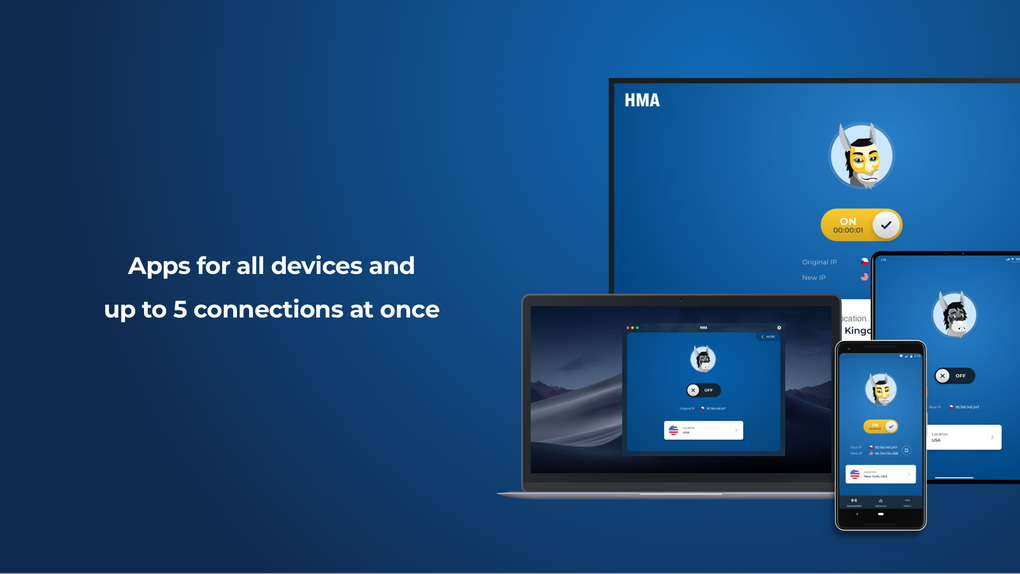
HMA Pro VPN is compatible with a wide range of platforms: Windows 10/11, macOS 10.13 and later, Android 5.0+, iOS 11+, Linux (via manual OpenVPN configuration), and most major router firmware (including DD‑WRT, OpenWRT, and Tomato). The app’s UI adapts to each platform, offering a compact control panel on mobile devices and a richer dashboard on desktop. For smart TV owners, a dedicated app exists for Amazon Fire TV, Android TV, and Apple TV, enabling seamless streaming while keeping your IP masked. The multi‑device license means you can protect a laptop, smartphone, tablet, and even a router simultaneously, as long as you stay within the five‑device limit (or ten with the Family plan). Updates are delivered automatically, ensuring you always have the latest security patches and server optimizations without manual intervention.
Pros, Cons and Frequently Asked Questions
Pros
- Extensive global server network provides excellent geo‑unblocking.
- High‑speed 20 Gbps servers keep streaming and gaming smooth.
- User‑friendly interface suitable for beginners.
- Robust security suite: Kill Switch, IP Shuffle, DNS leak protection.
- Cross‑platform support including routers and smart TVs.
Cons
- Five simultaneous connections may be limiting for larger households.
- Occasional difficulties unlocking premium Netflix and BBC iPlayer.
- Speed drops can occur on some distant servers during peak hours.
- Logs of connection timestamps are retained for 35 days (though no user‑identifying data).
- Pricing is slightly higher than some budget VPNs.
FAQ
Can I use HMA Pro VPN on multiple devices simultaneously?
Yes. The standard plan allows up to five devices to connect at the same time. If you need more, the Family plan expands the limit to ten concurrent connections.
Does HMA keep any logs of my activity?
HMA follows a no‑logs policy for browsing data. It only stores connection timestamps and the amount of data transferred for 35 days to help manage server load. No IP addresses or visited sites are recorded.
Which VPN protocols does HMA support?
HMA offers OpenVPN (UDP/TCP), IKEv2/IPSec (especially on macOS and iOS), and WireGuard on newer versions. Users can select their preferred protocol in the settings for optimal speed or stability.
Is there a money‑back guarantee if I’m not satisfied?
Yes. HMA offers a 30‑day money‑back guarantee on all paid plans, giving you ample time to test performance, streaming access, and overall reliability.
How does the Kill Switch work?
When enabled, the Kill Switch monitors the VPN tunnel. If the connection drops unexpectedly, it instantly blocks all internet traffic, preventing your real IP address from being exposed until the VPN reconnects.
In summary, HMA Pro VPN delivers a solid blend of speed, global coverage, and security features that satisfy both casual users and power users. While the simultaneous‑device limit and occasional streaming hiccups are worth noting, the overall value—especially with the 30‑day guarantee—makes it a compelling choice for anyone looking to browse anonymously and unlock worldwide content.
Conclusion & Call to Action
If you’re searching for a reliable VPN that balances high‑speed performance with robust privacy controls, HMA Pro VPN stands out as a mature, feature‑rich option. Its extensive server network ensures you can stream, torrent, or simply browse without geographic restrictions, while the integrated Kill Switch, IP Shuffle, and strict no‑logs stance keep your identity shielded. The intuitive UI reduces the learning curve, making it ideal for VPN newcomers, yet the advanced settings satisfy seasoned privacy geeks. Considering the 30‑day money‑back guarantee and the option to test the service for free, there’s little risk in giving HMA a try.
Ready to protect your online freedom? Download HMA Pro VPN now, activate the free trial, and experience secure, faster browsing on any device today.
HMA Pro VPN provides a well‑rounded package of speed, global coverage, and strong security. The interface is beginner‑friendly, and the inclusion of specialized streaming servers helps overcome most geo‑blocks. Minor drawbacks such as limited simultaneous connections and occasional streaming hiccups keep the rating just shy of perfect, but overall it remains a top contender in the VPN market.







